 English
Csomagvisszaküldés
Van megoldásunk.
Mégsem lett jó a ruha?
Már megvette anyukád az órát, amit rendeltél neki? Nem tetszik a megvásárolt termék, vagy csak valamiért meggondoltad magad? Semmi probléma, velünk visszaküldheted, a döntés a Te kezedben van!
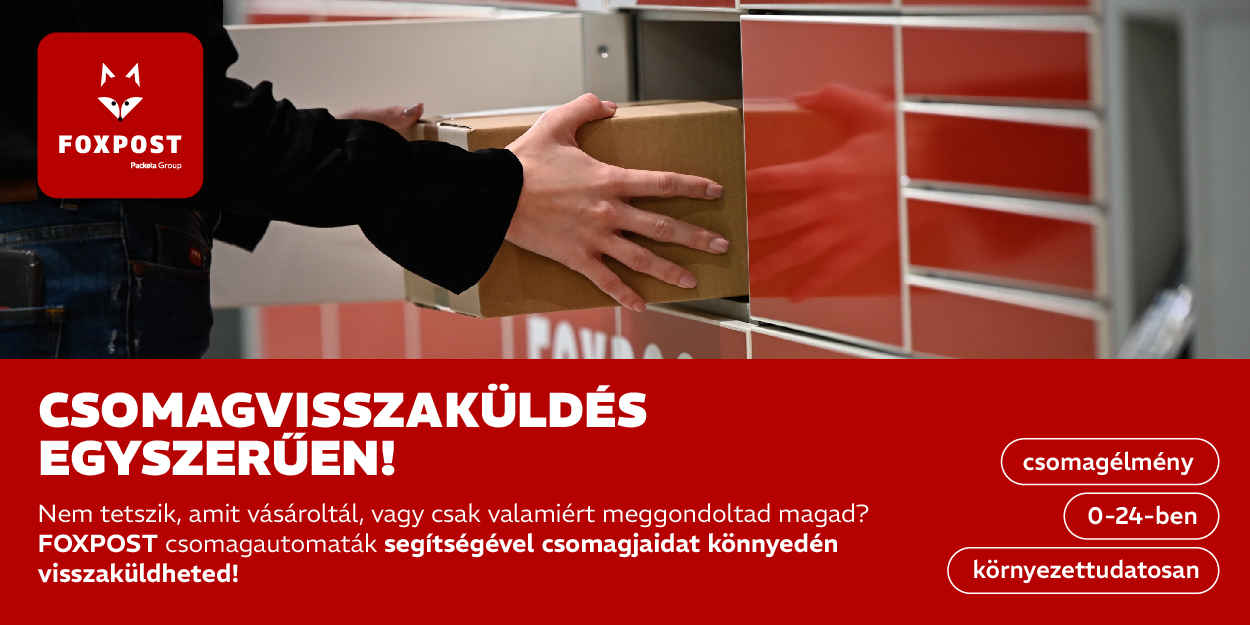
A FOXPOST A-BOX és Z-BOX csomagautomatáinak segítségével az árukat akkor is visszaküldheted, ha rendeléskor egyéb átvételi módot választottál, de most FOXPOST csomagautomatáival szeretnéd visszaküldeni a terméket. Mindezt kényelmesen és gyorsan intézheted, hiszen nem kell címkét nyomtatnod és futárra sem kell várnod: a csomagot bármely FOXPOST A-BOX vagy Z-BOX keresztül visszajuttathatod, a Neked legmegfelelőbb időben.
Fontos: Egyes webshopok az általánostól eltérő módon biztosíthatják a visszaküldést, ezért mindig tájékozódj az adott webshop visszaküldésre vonatkozó szabályairól a kereskedő weboldalán vagy ügyfélszolgálatán.
Minden további, visszaküldéssel kapcsolatos kérdéssel – amire itt nem találtál választ – keresd partnerünket, akinek visszaküldeni akarsz.
Csomag visszaküldésének lépései
Hogy működik? Egy egyszerű regisztrációt, majd belépést indítsd el a visszaküldést. Erre két lehetősége áll rendelkezésre: keresd meg a visszaküldendő csomagot a ’Bejövő csomagjaim’ menüpontban vagy kattints a ’Csomagvisszaküldés’ opcióra.
A ’Bejövő csomagjaim’ menüpontban listázva látod az összes beérkező csomagod. Itt válaszd ki azt a csomagot, amelyet szeretnél visszaküldeni és kattints a VISSZAKÜLDÖM gombra, hogy elindítsd a folyamatot. FONTOS: A csomag csak akkor jelenik meg, ha ugyanazzal az e-mail címmel és telefonszámmal vásároltál a webshopban, mint amivel regisztráltál a FOXPOST fiókodba.
Ha más szolgáltató által kézbesített csomagot szeretnél visszaküldeni, vagy nem találpd a visszakézbesítendő küldeményt a ’Bejövő csomagjaim’ menüpontban, akkor kattints a jobb felső sarokban található ’Csomagküldés’ legördülő menüben a ’Csomag visszaküldése’ opcióra.
Ezt követően válaszd ki a listáról, hogy kitől rendelted a csomagot. (Ha nem találod a webshopot a listán, akkor nem tudod a visszaküldési szolgáltatásunkat igénybe venni, kérjük a visszaküldés lehetőségeiről kérdezd a webshopot, ahova visszaküldenéd a terméket vagy küldd el csomagod házhozszállítással a webshop részére. Azonban ebben az esetben a feladás díja téged, mint feladót terhel, amely a mindenkor érvényes házhozszállítási árak alapján kerül megszabásra.)
Amennyiben megtaláltad a listában a webshopot, válaszd ki a megfelelő csomagmértet és add meg a rendelésazonosítód vagy referenciakódodat, hogy a webshop könnyen be tudja azonosítani a visszaküldött terméket. Ha ezzel megvagy véglegesítsd a visszaküldést és mi generálunk Neked egy kódot.
Amennyiben a visszaküldés díja téged terhel, kérjük, ne felejtsd el rendezni az összeget. A visszaküldés díját a FOXPOST A-BOX automaták esetében a megszokott módon bankkártyával tudod fizetni az automatán található bankkártyaterminál segítségével, FOXPOST Z-BOX automaták esetén a foxpost.hu fiókodba a feladás előtt. Ezt egyszerűen megteheted a „Kimenő csomagjaim” menüpontban, az adott csomagot kiválasztva, majd a „Zárolás” gombra kattintva. Ezt követően egy összegző oldalon ellenőrizd a csomagadatait és amennyiben mindent rendben találtál, indítsd el a zárolást, amit a Simple Pay rendszerén keresztül tud véglegesíteni.
A visszaküldés díja amennyiben a Téged, mint vásárlót terhel csomagmérettől függetlenül garantáltan 999 Ft.
Ezután keress fel egy FOXPOST A-BOX vagy Z-BOX csomagautomatát, amit a kapott kód segítségével ki tudsz nyitni, és behelyezheted a csomagot. Részedről ennyi, a többiről mi gondoskodunk!




Eddig megszokott visszaküldés
kizárólag FOXPOST A-boX-on érhető el